Make Money With AI Graphic Design for Social Media Brands (Beginner Guide 2026)
Updated May 2026: This guide was expanded with new AI design tools, better monetization strategies, prompt engineering examples, and practical client acquisition methods for beginners.
Artificial intelligence is transforming the online business world faster than most people expected. A few years ago, graphic design required expensive software, years of practice, and advanced technical skills. Today, AI tools allow beginners to create professional social media graphics in minutes.
If you want to make money with AI graphic design for social media brands, this guide will show you exactly how to start, which tools to use, how to get clients, and how to turn simple AI-generated graphics into a profitable online business.
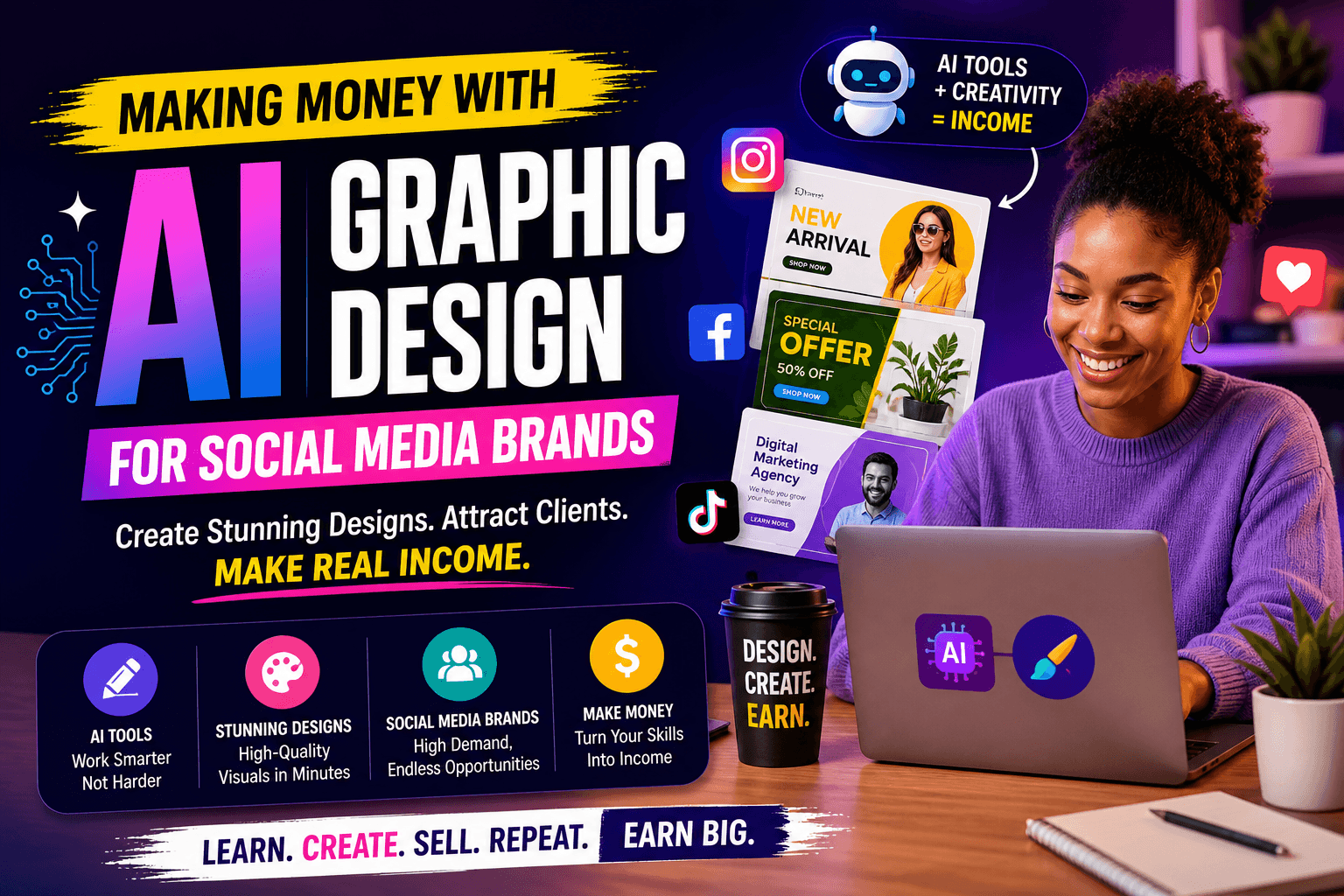
The demand for content is exploding. Businesses need graphics daily for Instagram, TikTok, Facebook, LinkedIn, Pinterest, YouTube thumbnails, and paid advertisements. Most brands do not have the time or design skills to create content consistently, which is why they hire freelancers and agencies.
This is where the opportunity exists. AI design tools reduce the technical barrier, allowing beginners to compete faster than ever before.
In this guide, you will learn:
- How AI graphic design works
- The best AI design tools for beginners
- How to create social media graphics step by step
- AI prompt examples that generate better results
- How to monetize AI graphic design skills
- How to find clients consistently
- Pricing strategies for beginners
- How to scale into a real online business
Table of Contents
- What is AI Graphic Design?
- Why Social Media Brands Pay for AI Design
- Best AI Graphic Design Tools
- How to Learn AI Graphic Design
- How to Create AI Social Media Designs
- Best AI Prompt Examples
- How to Monetize AI Graphic Design
- How to Get Your First Client
- How Much to Charge Clients
- Common Mistakes to Avoid
- How to Scale Your AI Design Business
- Final Thoughts
What is AI Graphic Design?
AI graphic design is the process of using artificial intelligence tools to create visual content such as:
- Instagram posts
- Facebook ads
- TikTok graphics
- YouTube thumbnails
- Product banners
- Branding materials
- Marketing visuals
Instead of designing everything manually, AI tools assist with:
- Generating layouts
- Creating images
- Improving colors
- Suggesting typography
- Writing captions
- Removing backgrounds
- Generating design ideas
This allows beginners to create professional designs much faster than traditional workflows.
The biggest reason people want to make money with AI graphic design for social media brands is simple: businesses constantly need visual content.
Why Social Media Brands Pay for AI Design
Social media is competitive. Brands that post poor-quality graphics usually get ignored.
Businesses now understand that good design helps:
- Increase engagement
- Improve credibility
- Generate more sales
- Build trust with customers
The problem is consistency. Many businesses need content every day but do not have time to create it themselves.
That creates opportunities for freelancers who can create quality graphics quickly using AI.
According to Forbes, artificial intelligence is significantly improving productivity across creative industries, including content and graphic design.
This trend is only growing stronger in 2026.
Best AI Graphic Design Tools for Beginners
1. Canva AI
Canva remains one of the easiest AI graphic design platforms for beginners.
Features include:
- AI image generation
- Magic resize
- Template generation
- Background removal
- AI text suggestions
Best For:
- Instagram content
- Business flyers
- Simple branding
- Carousel posts
Monetization Potential:
- $20–$200 per design package
2. Midjourney
Midjourney creates high-quality AI-generated visuals using prompts.
It works extremely well for:
- Creative brand visuals
- Advertisement graphics
- Luxury branding
- Artistic campaigns
3. DALL·E
DALL·E allows users to generate unique images quickly.
Many social media designers use it for:
- Marketing content
- Custom illustrations
- Product concepts
- Social media branding
4. Adobe Firefly
Adobe Firefly combines AI with professional editing features.
It is ideal for:
- Advanced branding
- Commercial advertisements
- Professional design workflows
How to Learn AI Graphic Design Quickly
The fastest way to learn AI graphic design is through repetition and practical projects.
Step 1: Pick One Tool
Start with Canva AI because it is beginner-friendly.
Step 2: Study Existing Designs
Analyze successful business pages.
Pay attention to:
- Typography
- Spacing
- Colors
- Layout balance
Step 3: Recreate Designs
Recreating designs helps train your design eye.
Step 4: Learn Prompt Engineering
The quality of AI-generated graphics depends heavily on prompts.
Better prompts produce better visuals.
How to Create AI Social Media Designs Step by Step
Step 1: Understand the Brand
Before designing, understand:
- The target audience
- The business style
- The content goals
Step 2: Generate AI Visuals
Use AI prompts to create images.
Example:
“Luxury skincare Instagram advertisement, soft lighting, elegant female model, premium beauty branding, minimalist design.”
Step 3: Build the Layout
Import generated visuals into Canva or Adobe Express.
Add:
- Text
- Call-to-action buttons
- Brand colors
- Logo placement
Step 4: Export Correct Sizes
Each platform uses different dimensions.
- Instagram Post: 1080×1080
- Story Design: 1080×1920
- YouTube Thumbnail: 1280×720
Best AI Prompt Examples for Social Media Graphics
Fitness Brand Prompt
“Energetic fitness advertisement with athletic male, bold typography, red and black theme, motivational gym atmosphere.”
Restaurant Prompt
“Modern restaurant social media banner featuring gourmet burger, cinematic food lighting, luxury fast-food branding.”
Fashion Brand Prompt
“Luxury fashion Instagram ad with stylish female model, premium lighting, minimalist aesthetic, elegant typography space.”
Tech Startup Prompt
“Futuristic startup social media graphic, neon blue colors, technology interface style, modern digital branding.”
How to Monetize AI Graphic Design
There are multiple ways to make money with AI graphic design for social media brands.
1. Freelancing
Create profiles on freelancing platforms and offer:
- Instagram post design
- Ad creatives
- YouTube thumbnails
- Business branding graphics
Potential Earnings:
- $50–$1000 per project
2. Monthly Content Packages
This is one of the best recurring income models.
Example package:
- 20 monthly posts
- Story templates
- Basic scheduling support
Potential Earnings:
- $100–$1500 monthly per client
3. Selling Canva Templates
Create editable Canva templates and sell them repeatedly.
Popular niches include:
- Real estate
- Beauty brands
- Fitness businesses
- Online coaches
4. Social Media Management
Combine design services with content scheduling and management.
This increases your value significantly.
5. Print-on-Demand
Use AI-generated artwork for:
- T-shirts
- Mugs
- Phone cases
- Wall art
How to Get Your First Client
Method 1: Create Sample Designs
Build 10–15 high-quality sample graphics.
Even if they are fake projects, they demonstrate skill.
Method 2: Post on Social Media
Post designs consistently on:
- Twitter/X
Method 3: Reach Out to Small Businesses
Many local businesses need better content.
Message them politely and offer a sample design.
Method 4: Use Internal Learning Resources
If you want more AI income ideas, read:
These guides complement AI design services extremely well.
How Much to Charge Clients
Beginners often underprice themselves.
Start simple but avoid charging extremely low prices forever.
| Service | Beginner Price | Experienced Price |
|---|---|---|
| Instagram Post | $5–$15 | $20–$50 |
| YouTube Thumbnail | $10–$25 | $50–$100 |
| Monthly Content Package | $100–$300 | $500–$2000 |
Common Mistakes Beginners Make
- Using weak prompts
- Ignoring branding consistency
- Copying designs directly
- Expecting instant success
- Failing to market themselves
Many people learn AI tools but never get clients because they ignore visibility and communication.
How to Scale Your AI Design Business
Once you gain experience, you can scale beyond freelancing.
You can:
- Hire assistants
- Build monthly retainers
- Create design subscriptions
- Offer complete content management
This transforms your side hustle into a real online business.
According to Adobe Express, businesses increasingly prioritize fast, high-quality visual content, making AI-assisted design workflows more valuable than ever.
Frequently Asked Questions
Can beginners make money with AI graphic design?
Yes. Many beginners start with Canva AI and simple social media graphics before scaling into higher-paying services.
Do I need expensive software?
No. Many AI tools offer free or affordable starter plans.
How long does it take to get clients?
It depends on consistency, outreach, and portfolio quality. Some beginners get their first client within a few weeks.
Is AI graphic design saturated?
No. The demand for social media content continues growing rapidly.
Final Thoughts
The opportunity to make money with AI graphic design for social media brands is growing rapidly in 2026.
Businesses need content constantly, and AI tools now allow beginners to create professional graphics faster than ever before.
The key difference between people who succeed and people who fail is consistency.
The successful freelancers:
- Practice daily
- Improve prompts constantly
- Learn marketing psychology
- Reach out to businesses consistently
- Build strong portfolios
AI tools are powerful, but they are still tools. Businesses ultimately pay for creativity, reliability, and results.
Start small. Improve weekly. Build your portfolio. Reach out to clients consistently.
That is how a beginner turns AI graphic design into a real online income stream.